


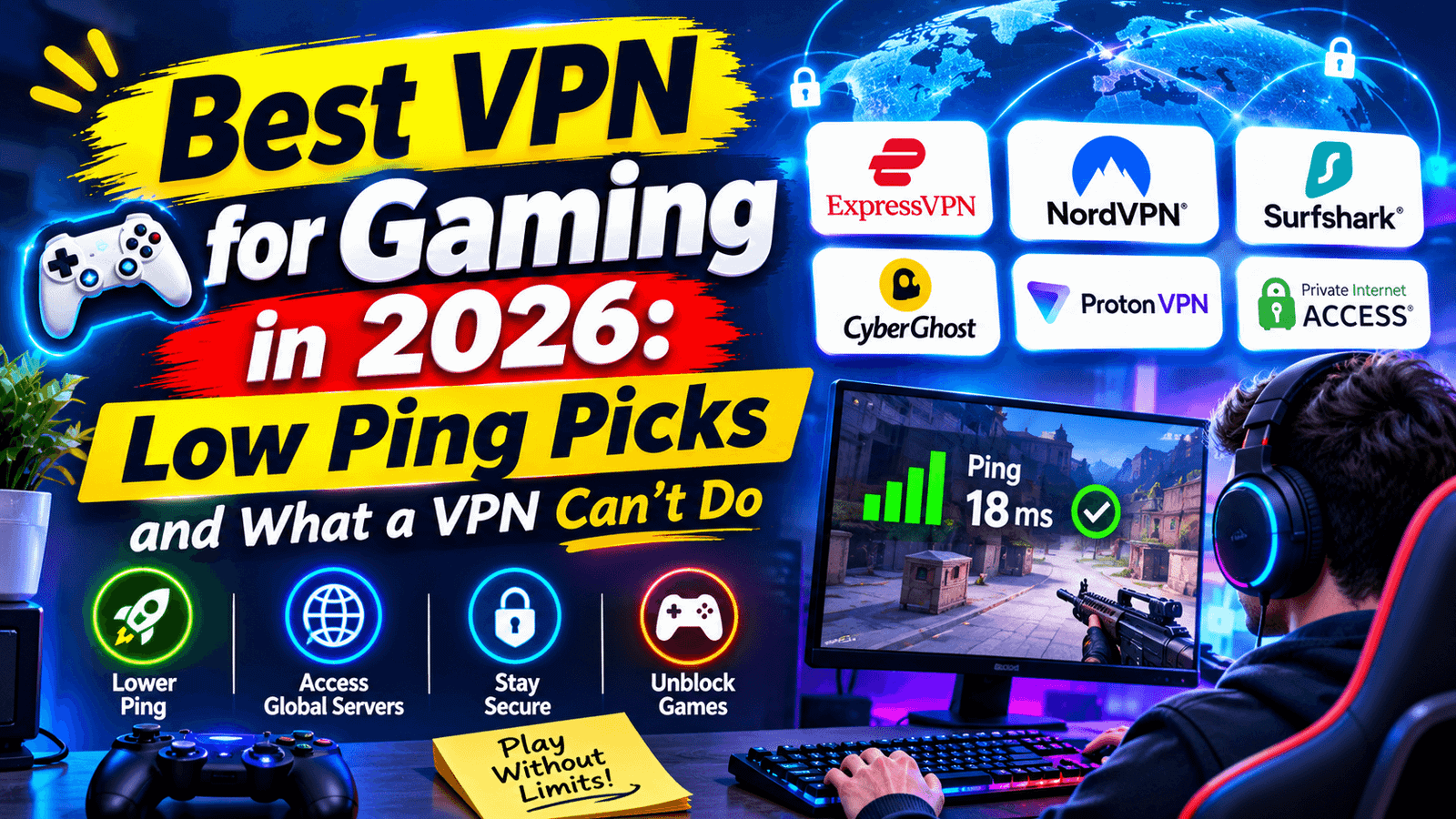

NordVPN is the best all-rounder for gaming, with low added latency, DDoS protection, and Meshnet for private LAN-style play. ExpressVPN is the pick for consoles and steady performance. Surfshark is the best value if you’ve got a houseful of devices. One thing to know first: a VPN won’t lower your ping. Most of the time it adds a little.
Most gaming VPN articles skip over this part, so I’ll say it plainly. If your game lags, a VPN usually isn’t the fix. Your traffic takes a detour through another server. Best case, that adds a few milliseconds. Worst case, a lot more. Anyone selling a “ping booster” VPN is selling a nice story.
So why bother? A friend of mine is the reason I looked into this. Mid-match one night, his connection just died. Someone had grabbed his home IP and decided to be petty about it. A DDoS attack, over a video game. That’s the first real use for a VPN, and there are a few more.
What a VPN Actually Does for Gamers:
It hides your IP address. In plenty of online games, other players can find it, and a sore loser with a grudge can knock you offline. Behind a VPN server, they’d be attacking the wrong address.
It can sidestep throttling. Some internet providers slow certain traffic at busy hours. Hide what you’re doing and, occasionally, your connection actually gets better.
It protects you on shared WiFi. Dorm, hotel, cafe, wherever. Encryption keeps strangers on the same network from poking around.
And then there’s regional access, which is the murky one. People use VPNs to reach other regions’ servers or releases. Many games forbid that in their terms, and some will flag accounts for it. Read the rules before you try.
How Much Ping Does a VPN Really Add?
It depends, honestly. Your location, the server you pick, and the game itself all change the answer. Across several independent test rounds, good gaming VPNs usually added somewhere between a few milliseconds and roughly twenty on a nearby server. Testers don’t even agree on who’s best. Some give the lowest added ping to ExpressVPN, others to NordVPN, and a few say NordVPN wins on distant servers specifically.
The top names are close. What matters more than the gap between them is choosing a server near the game server and using a modern protocol like NordLynx or Lightway.
The VPNs Worth a Look?
1. NordVPN
NordVPN shows up first in most gaming roundups, and the reasons hold up. Huge server network, low added latency on regional servers, and the NordLynx protocol is built for speed. Threat protection and an optional double VPN mode add extra defense against attacks. Meshnet is a nice bonus if you want a private connection with friends for LAN-style games.
Where it falls short: it isn’t the cheapest, and a few games or anti-cheat systems can be picky about VPN traffic. Test before a ranked session, not during one.
2. ExpressVPN

Express VPN is the name console players keep bringing up. Lightway keeps connections quick and steady, and the device and router support makes console setup easier than with most rivals. It tends to stay consistent across regions, which matters more than a single lucky ping reading.
The catch is price, since it sits at the premium end, and a couple of tests had it trailing slightly on far-away servers.
3. Surfshark

Surfshark wins on value, mostly because it doesn’t cap devices. PCs, phones, consoles, and everyone’s tablet, all on one plan. Latency runs a step behind the top two in head-to-head tests, though it’s still comfortably playable in most games.
4. Proton VPN:

Proton VPN is for people who care about privacy first. It has one of the few free plans that’s actually usable. The free tier limits your server choice, so picking a precise low-ping route isn’t really possible there.
5. CyberGhost:
 CyberGhost gets credit for dedicated gaming servers and a generous refund window, which makes it easy to try without commitment. It tends to rank below the top three on raw latency, though.
Setting it up without wrecking your ping:
Pick a server close to the game’s server, which isn’t always the one closest to you. Use a modern protocol. Test with the VPN on and off so you know exactly what it’s costing you. Consoles can’t run VPN apps directly, so you’ll need a router setup or a supported sharing method. And if a game blocks VPN connections, don’t fight it. Just disconnect for that title.
Frequently Asked Questions
Can a VPN lower my Ping?
Rarely. Usually it adds a little latency because your traffic takes an extra hop. The only time it might help is when your provider is throttling or routing your game traffic poorly, and the VPN’s route happens to be better.
Does a VPN protect me from DDoS attacks while gaming?
It can reduce the risk by hiding your real IP address, which is what attackers normally target. It isn’t a complete shield, but it removes the easiest way for someone to find you.
Will I get banned for using a VPN in online games?
It depends on the game. Many allow VPN use for security. Some forbid using one to change your region or get around restrictions, and certain anti-cheat systems flag VPN traffic. Check the game’s terms first.
What’s the best VPN for console gaming?
ExpressVPN is commonly recommended for consoles thanks to its broad device support and router compatibility. NordVPN and Surfshark also work well with router-based setups.
Is a free VPN good enough for gaming?
Usually not. Free plans tend to limit servers, speed, or data, and all three hurt gaming. Proton VPN’s free tier is the safest of them, but for ranked or competitive play, a paid plan fits better.
Does a VPN slow down game downloads and updates?
A little, though good providers keep the loss small. For big game downloads, it’s rarely noticeable.
Conclusion
A VPN won’t turn bad internet into good internet. What it can do is shield your IP from DDoS attacks, protect you on shared networks, and sometimes get around throttling. For most players, NordVPN is the safest overall pick. ExpressVPN is the one to look at for consoles and steady performance. Surfshark makes the most sense when you’re covering lots of devices on a single plan. Whichever you choose, test with and without it, keep the server close, and respect each game’s rules, so a security tool doesn’t turn into a ban.
